Professional drone roof survey reports in minutes
Dictate or type your findings while the photos are on screen. AI tidies the wording of your findings and drafts the conclusions and recommendations. You check everything, then export a professional PDF report.
No credit card needed to sign up
Free until the end of February 2027.
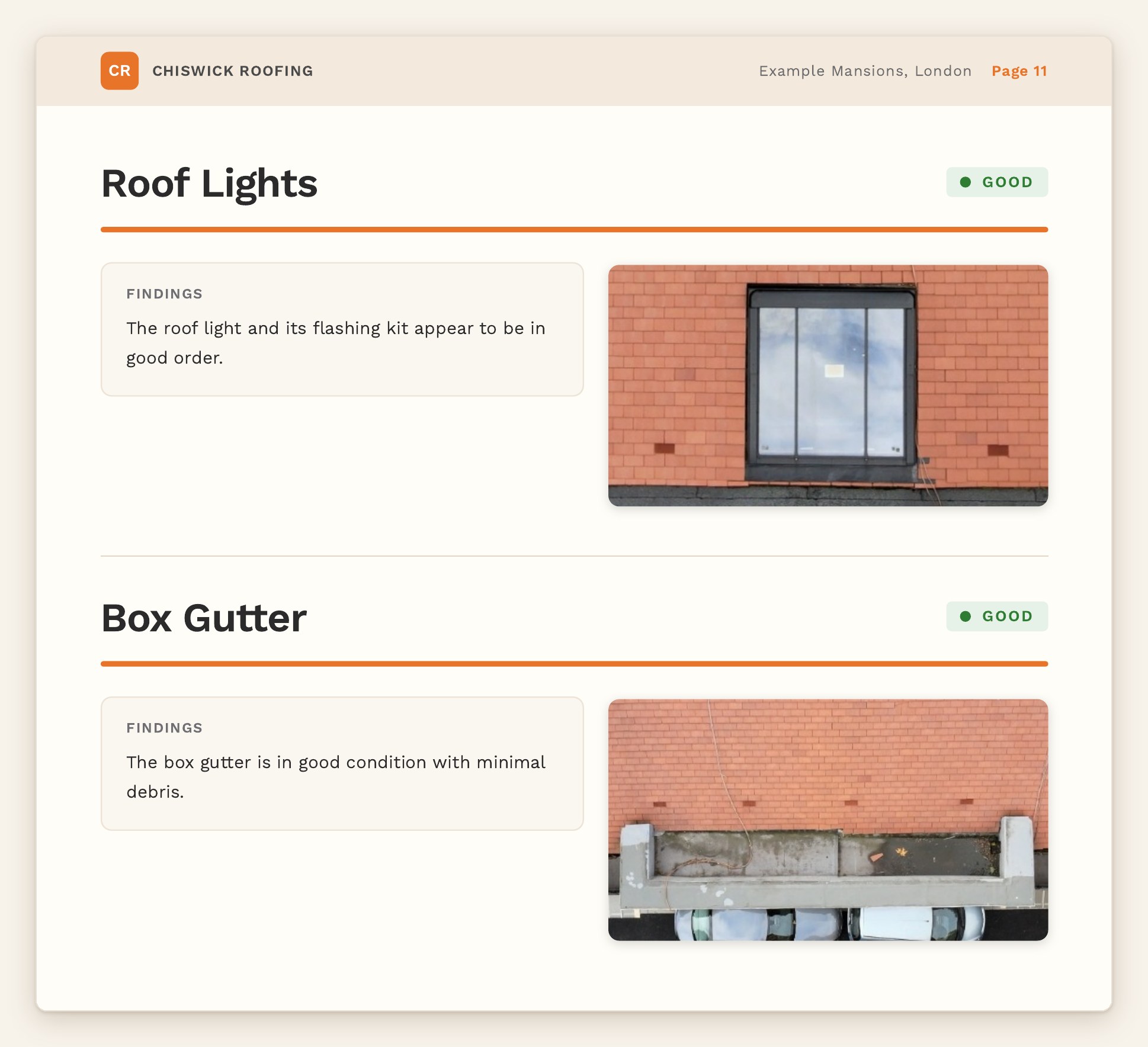 Example
How it works
One clear flow from drone photos to finished report.
1
Upload photos
Add your drone photos to each page of the report.
2
Add findings
Photos stay on screen while you dictate or type what you see.
3
Tidy up wording
One click and AI tidies the wording of each finding. You compare it with yours and choose which to keep.
4
Conclusions & recommendations
AI drafts them from your findings. You edit before they go in.
5
PDF report
Generate a professionally structured PDF to send to your client.
Free to use
Free until the end of February 2027
- Photos on screen while you dictate or type findings
- AI tidies your findings wording (you check and choose)
- AI-drafted conclusions and recommendations you can edit
- Professional PDF report
No credit card needed to sign up